Wedding Website: What to Include
A wedding website does one job better than anything printed: it stays current. The venue changes, the shuttle time moves, the registry gets updated, and one link absorbs all of it. That is the argument for building one. The argument against building a bad one is stronger: a site with a countdown, a love story nobody asked for, and an RSVP form that emails you a screenshot creates more work than it saves. The test is simple. If a guest can find the date, the place, the schedule, and the reply button in under thirty seconds on a phone, the site is doing its job.
This guide covers the pages worth building, the RSVP fields that actually matter, the information that should never be public, and the launch checks that prevent the classic failure of a broken form discovered three weeks before the wedding. It assumes a hosted builder or a simple static site; both work. What matters is that one person owns the content and one person owns the guest list export.
Give the site a single job
Most wedding websites try to be an invitation, a scrapbook, a travel guide, and a gift registry at once. Guests do not read them that way. They arrive with one question, usually where and when, and they leave. Design for that visit first, then add depth for the people who want it. Put the date, city, venue name, and RSVP link above the fold. Keep the story and the photo gallery lower, clearly optional. A guest who is lost will not scroll through eleven sections to find a map; a guest who is curious will happily scroll once the essentials are settled.
- Above the fold: names, date, city, venue, RSVP.
- Second screen: schedule, travel, and stay.
- Optional depth: story, wedding party, gallery, FAQ.
The pages that earn their place
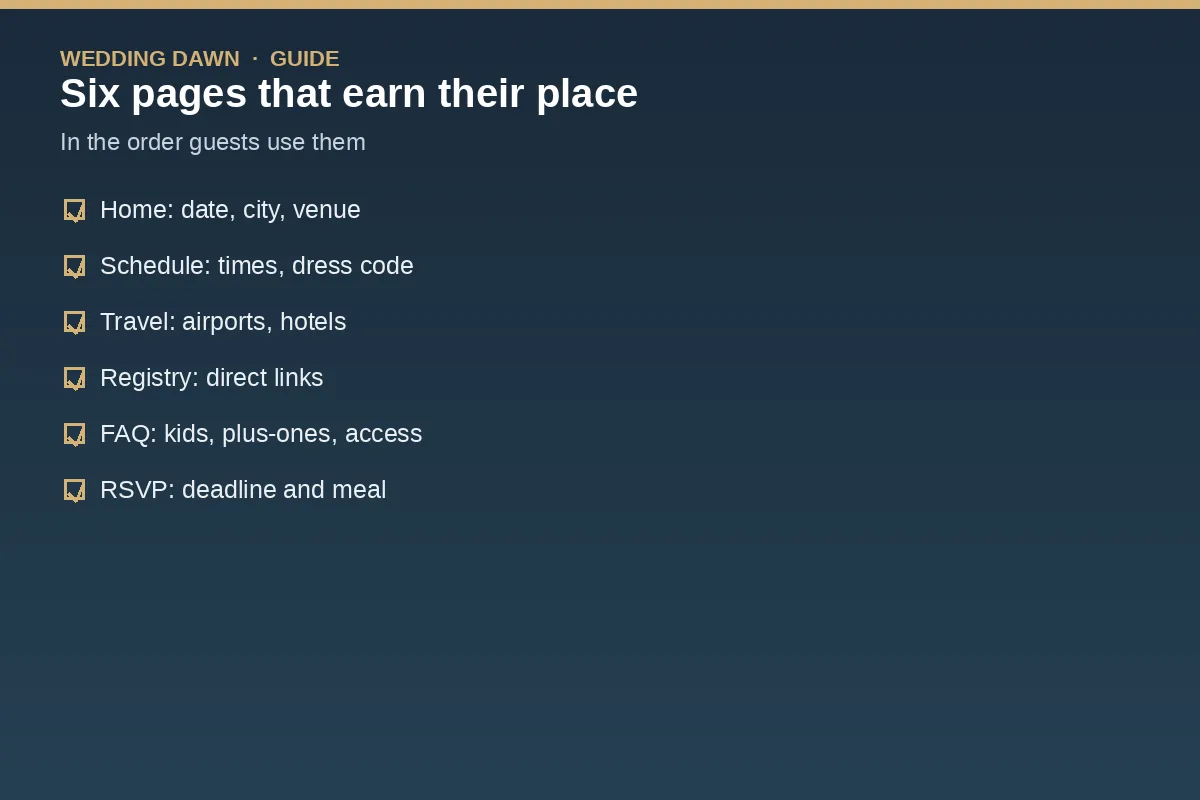
Six pages cover almost every wedding. Home states the essentials and links everywhere else. Schedule gives the order of the day, with addresses and dress code per event. Travel and stay lists airports, stations, hotels with booking codes, and parking. Registry links to the shops rather than restating the list. FAQ answers the questions you are tired of answering: children, plus-ones, dress code, weather, accessibility. RSVP collects the replies. Add a story page only if you enjoy writing it; add a gallery only if the photos are already good. A page that exists because a template offered it is a page that will stay empty.
- Home: date, city, venue, RSVP.
- Schedule: times, addresses, dress code.
- Travel: airports, hotels, parking, shuttles.
- Registry: direct links and one sentence of guidance.
- FAQ: children, plus-ones, dress, access, weather.
- RSVP: deadline, meal, accessibility, song request.
Build the RSVP around decisions, not curiosity
Every field on an RSVP form is a small tax on the guest and a small chore for you. Collect only what changes a decision: attending or not, number of guests, meal choice, dietary needs, accessibility requirements, and one song request if you want it. Ask for a name exactly as invited, and match it against your list by a unique code or a dropdown rather than free text. A free-text name field produces variations that take hours to reconcile. Set a deadline that is genuinely before your caterer needs numbers, and state it on the invitation as well as the site. Test the confirmation email: if it does not arrive, the guest will submit twice.
- Attending, party size, meal, dietary needs, access needs, song.
- Use a guest list dropdown or unique code, not free-text names.
- Deadline at least two weeks before the caterer's final count.
- Send a confirmation email and test it from a phone.
What should never be public
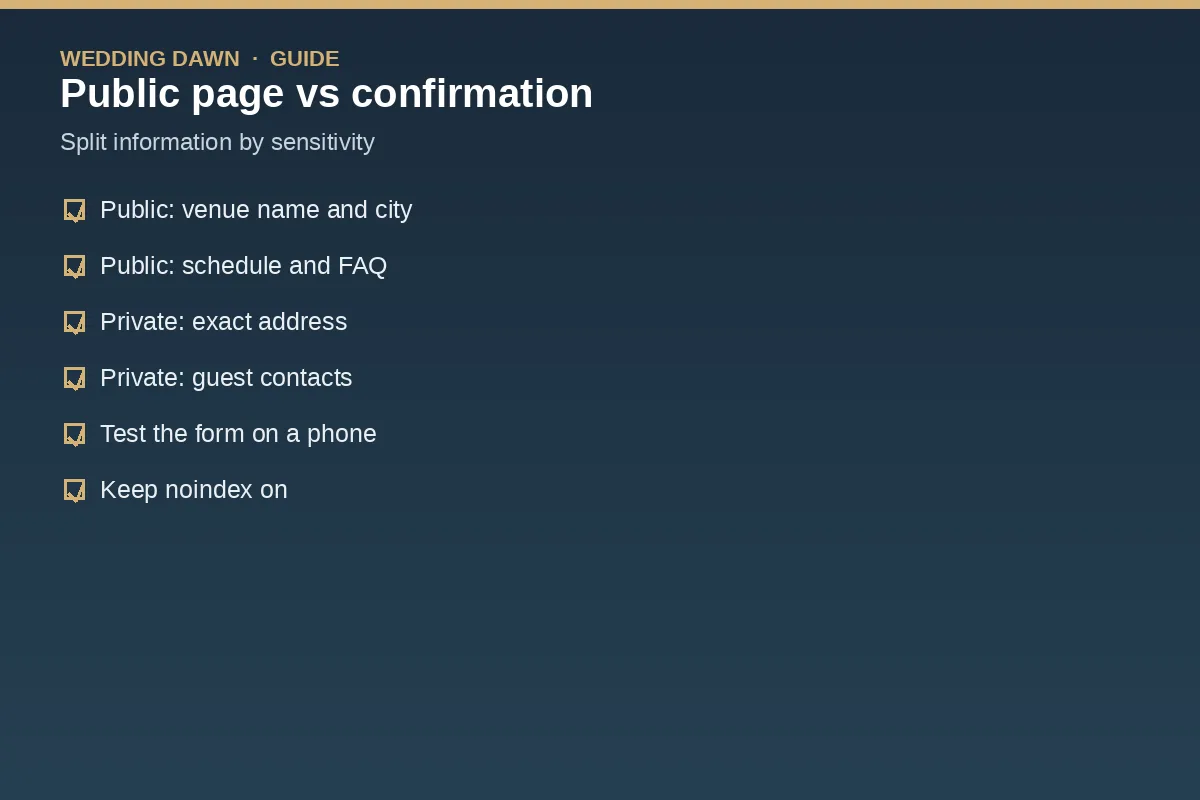
A wedding website is a public URL unless you make it otherwise. Do not publish the full street address of a private home, the exact times when the house will be empty, guest phone numbers, or children's full names and schools. For a private venue, give the name and city publicly and send the address with the confirmation. If either of you has a public-facing job or a stalker risk, use a password and share it with the invitation. Turn off search indexing while the site is a draft, and leave it off if the site includes personal details. Photos of guests should go up only after the event, and only with a way to ask for removal.
- No home addresses, empty-house times, or guest contact details.
- Venue name and city publicly; exact address on confirmation.
- Password-protect if either partner has a public profile or safety concern.
- Keep noindex on until launch, and on permanently for private details.
Build it once, then stop redesigning
Choose the simplest tool that gives you a custom domain, a working form, and an export. A free builder is fine if the export includes every field; a paid plan is worth it if it removes ads and lets you use your own domain. Build mobile first, because most guests will open the link from a message. Compress images before uploading, keep the home page under a few hundred kilobytes, and check that text remains readable at the largest system font size. Do not add autoplay music, a countdown that follows the cursor, or a gallery that loads twelve full-resolution photos at once. Every one of those is a reason a guest closes the tab.
- Custom domain and a form export are the two features that matter.
- Build and test on a phone before a desktop.
- Compress every image; keep the home page light.
- No autoplay music, no heavy gallery on the first screen.
Launch, then maintain it weekly
Before you print the link, run five checks: open it on two phones and one old browser, submit a test RSVP and confirm the email arrives, click every link including the registry and map, check the deadline logic, and ask one person outside the wedding to find the venue in under a minute. After launch, review replies weekly rather than daily, export the list to a spreadsheet, and reconcile it against your invitation list. Update the site when a detail changes, and note the change date on the schedule page so guests know what is current. After the wedding, replace the home page with a thank-you and a photo, or take the site down; an abandoned site with a stale countdown is worse than no site.
- Test on two phones and an old browser.
- Submit a real test RSVP and confirm the email.
- Export and reconcile replies weekly.
- Date-stamp schedule changes.
- After the wedding: thank-you page or taken down.
The mistakes that cost the most time
The expensive mistakes are rarely visual. They are an RSVP that only the site owner can read, a guest list that lives in three inboxes, a venue address published before the contract is signed, and a site launched without a test submission. The others are slower: a story page written for the couple rather than the guest, a registry that duplicates prices and then goes out of date, and a FAQ that answers questions nobody asked while ignoring children and plus-ones. Fix the data flow first. If the replies land in a spreadsheet you can filter, the design is already good enough.
- One owner for content, one for the guest list.
- Test the form from a device that is not yours.
- Publish the venue only after the contract is signed.
- Answer the awkward questions in the FAQ before guests ask them by text.
- Keep a backup export of every reply.
Step by step
Choose the job and the tool
Logistics first. Pick a builder that supports a custom domain and exports every RSVP field.
Write the six core pages
Home, schedule, travel, registry, FAQ, RSVP. Leave story and gallery optional.
Design the RSVP fields
Attendance, party size, meal, dietary, access, song. Use a dropdown, not free text.
Split public and private
Venue name and city public; exact address in the confirmation. Keep noindex on.
Test, launch, maintain
Two phones, one old browser, a real test reply, then weekly exports and dated updates.
Quick checklist
- Date, city, venue, and RSVP visible without scrolling.
- Six core pages exist and are linked.
- RSVP uses a guest dropdown or unique code.
- Confirmation email tested and received.
- No home address or guest contact details public.
- Search indexing off for private details.
- Every image compressed and the home page light.
- Weekly export and reconciliation scheduled.
- After the wedding: thank-you page or site removed.
FAQ
Do we need a wedding website if we have a printed invitation?
Not always, but it helps when details will change or when you expect replies from many households. The invitation carries the essentials and the link; the site carries the schedule, travel, FAQ, and RSVP.
Should the RSVP deadline match the invitation?
Yes, and it should sit at least two weeks before the caterer needs a final count. If the printed card says one date and the site says another, guests will follow the later one.
Can we use a free website builder?
Yes, if it exports every RSVP field and lets you keep the site private. Free plans often add ads or hide the export behind a paid tier, so test the export before you send the link.
How do we handle plus-ones without awkward messages?
Name the invited guests in the RSVP dropdown. If the option is not there, the answer is visible without you having to say no in person. Put the policy in the FAQ in one neutral sentence.
What should we do with the site after the wedding?
Replace it with a short thank-you and a few photos, or take it down. Remove the RSVP form and any personal details either way, and keep an export of the replies for your records.
Sources
- W3C — Web Content Accessibility Guidelines Accessibility principles applied to forms, contrast, and text sizing, reviewed 2026-11.
- FTC — Consumer Advice Guidance on privacy, payments, and misleading links, reviewed 2026-11.
- NIST — Privacy Framework Data minimisation principles used for the public/private split, reviewed 2026-11.